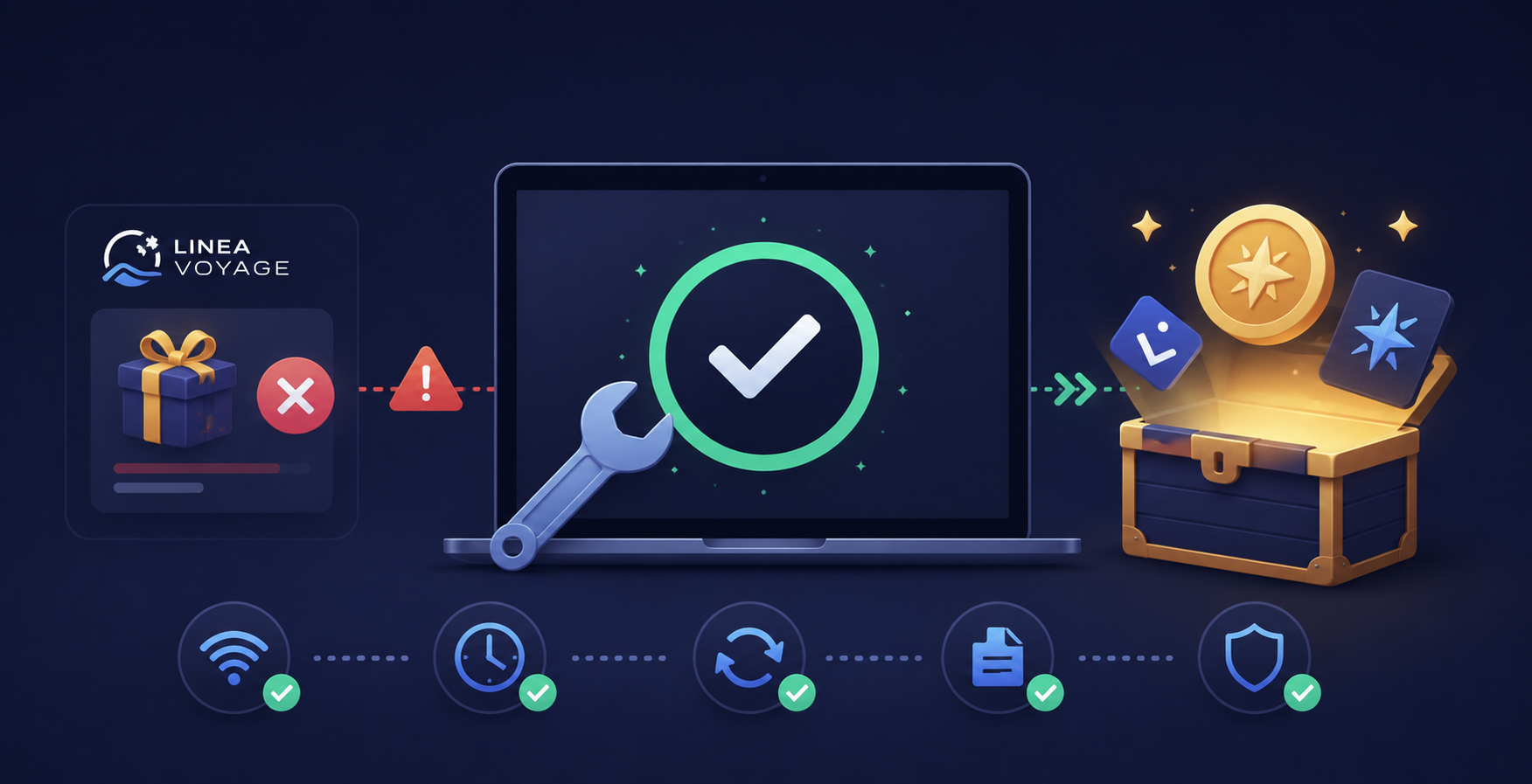
Claiming your Linea Voyage rewards, like XP or NFTs, should be a straightforward process. However, sometimes transactions fail, leaving you wondering what went wrong. This guide explains common reasons for these errors and provides clear steps to help you fix them.
A failed transaction means your attempt to interact with the Linea network, such as claiming rewards, did not complete successfully. It can be frustrating, but most issues have simple solutions once you know what to look for. We will walk through the most common problems and their fixes.
Why did my Linea Voyage reward transaction fail?
Your Linea Voyage reward transaction likely failed due to insufficient gas fees, network congestion, or incorrect wallet settings. These are the most frequent causes preventing your claim from going through.
For instance, during peak network activity, the default gas settings in your wallet might not be enough. This often happens when many users try to claim rewards at the same time, leading to higher demand for block space. Understanding these common issues is the first step to resolving them.
What are common reasons for Linea transaction failures?
Several factors can cause your Linea transaction to fail, ranging from network conditions to wallet configurations. Identifying the specific reason is key to finding the right solution.
Here are the most common reasons why your Linea Voyage reward transaction might not go through:
- Insufficient Gas Fees: The most common reason. You need enough ETH in your wallet to cover the transaction cost, known as gas. If you set the gas limit too low or the network's gas price spikes, your transaction will fail.
- Network Congestion: When the Linea network is busy, transactions take longer and require higher gas prices to be processed quickly. If your gas settings are too low for the current congestion, your transaction might get stuck or fail.
- Incorrect Wallet Settings: Sometimes, your wallet might have outdated network settings or an incorrect RPC URL. This can prevent it from properly communicating with the Linea network.
- Smart Contract Issues: Less common, but sometimes the claiming contract itself might experience temporary issues or have specific requirements not met by your transaction.
- Transaction Timeout: If a transaction waits too long in the mempool without being picked up by a validator, it can eventually time out and fail. This is often linked to low gas prices.
How do I check the status of my Linea transaction?
You can check the status of your Linea transaction using a block explorer like LineaScan. This tool provides real-time information on whether your transaction is pending, successful, or failed.
Simply copy your transaction hash (TxID) from your wallet and paste it into the search bar on LineaScan. The explorer will show you details like the gas used, gas price, and the final status of your transaction. This is crucial for diagnosing the problem.
Where can I find my Linea transaction hash (TxID)?
You can find your Linea transaction hash (TxID) within your cryptocurrency wallet's activity or transaction history. Most wallets, like MetaMask, display a list of your past transactions.
Click on the specific transaction that failed to view its details. There, you will typically see a "Transaction ID" or "TxID" field, which is a long string of letters and numbers. Copy this hash to use on LineaScan.
What should I do if my Linea transaction failed due to low gas?
If your Linea transaction failed because of low gas, you need to resubmit it with a higher gas limit or a higher gas price. This tells the network you are willing to pay more for your transaction to be processed.
When resubmitting, your wallet might offer an option to "speed up" or "cancel" the pending transaction. Choosing to speed it up allows you to increase the gas fees for the same transaction. Always ensure you have enough ETH in your wallet to cover the new, higher cost.
How do I increase gas fees for a pending Linea transaction?
To increase gas fees for a pending Linea transaction, open your wallet, find the pending transaction, and look for an option to "Speed Up" or "Increase Gas." This will allow you to adjust the gas price.
For example, in MetaMask, click on the pending transaction, then select "Speed Up." The wallet will suggest a higher gas price. You can accept this or manually enter an even higher "Gwei" value to ensure it goes through faster.
What is the recommended gas price for Linea transactions?
The recommended gas price for Linea transactions varies based on network congestion, so it's best to check a real-time gas tracker. Tools like LineaScan's gas tracker often display the current average and fast gas prices.
During normal times, a gas price around 5-10 Gwei might be sufficient. However, during high demand, this could jump to 20-50 Gwei or even higher. Always aim for a gas price that is slightly above the current "fast" recommendation to ensure timely processing.
How can I fix Linea transaction errors caused by network congestion?
To fix Linea transaction errors caused by network congestion, you can try increasing your gas fees or waiting for a period of lower network activity. Submitting with higher gas prioritizes your transaction.
Alternatively, if the situation is not urgent, waiting a few hours or trying again late at night (UTC) might help. Network activity often fluctuates, and gas prices tend to drop during off-peak hours. This can save you money on fees too.
Should I try a different RPC endpoint for Linea?
Yes, trying a different RPC endpoint for Linea can sometimes resolve transaction failures, especially if your current endpoint is overloaded or experiencing issues. RPC endpoints are how your wallet connects to the blockchain.
If your transactions consistently fail or are very slow, switching to a more reliable or less congested RPC can improve connectivity. You can find alternative Linea RPCs from official Linea documentation or reputable community sources. For instance, sometimes the default RPC provided by MetaMask can be slow.
How do I change the RPC endpoint in MetaMask for Linea?
To change the RPC endpoint in MetaMask for Linea, open your MetaMask wallet, click on the network dropdown at the top, and select "Linea Mainnet." Then, go to "Settings," "Networks," and click on "Linea Mainnet."
You will see the current RPC URL listed. Replace it with a new, working RPC URL from a trusted source, then save your changes. Always verify new RPC URLs to avoid connecting to malicious servers.
What if my Linea transaction is stuck or pending indefinitely?
If your Linea transaction is stuck or pending indefinitely, you can try canceling it or speeding it up by submitting a new transaction with higher gas fees. A stuck transaction usually means the gas price was too low.
To cancel a stuck transaction, you can send a new transaction (e.g., sending 0 ETH to your own address) with the exact same "Nonce" as the stuck transaction, but with a significantly higher gas price. This replaces the old transaction. Alternatively, many wallets offer a "Cancel" button for pending transactions.
When should I contact Linea support for transaction issues?
You should contact Linea support or the support for the specific dApp you are using if you have tried all common troubleshooting steps and your transactions still fail. This is especially true if you suspect a smart contract bug or a platform-specific issue.
Before reaching out, make sure you have all relevant information ready. This includes your wallet address, transaction hashes, screenshots of error messages, and a detailed description of the steps you've already taken. This helps support teams assist you more effectively.
How can I prevent future Linea Voyage reward transaction failures?
You can prevent future Linea Voyage reward transaction failures by always checking current gas prices, maintaining sufficient ETH balance, and keeping your wallet software updated. These proactive steps minimize common issues.
Always aim to have a buffer of ETH beyond what you estimate for gas. Regularly check LineaScan for network congestion levels before initiating important transactions like claiming rewards. Staying informed helps ensure smoother operations.
Here are practical tips to prevent future transaction failures:
- Monitor Gas Prices: Use LineaScan or similar tools to check real-time gas prices before initiating a transaction. Adjust your gas settings accordingly.
- Maintain Sufficient ETH: Always keep a reasonable amount of ETH in your wallet to cover gas fees. Running out of ETH mid-transaction is a common failure point.
- Update Wallet Software: Ensure your MetaMask or other wallet software is always updated to the latest version. Updates often include bug fixes and performance improvements.
- Use Reliable RPCs: Stick to official or widely recommended RPC endpoints for the Linea network. Avoid obscure or unverified RPCs.
- Understand Transaction Limits: Be aware of any limits or specific requirements set by the Linea Voyage claiming contract. Sometimes, there are daily limits or specific windows for claiming.
- Test with Small Transactions: If you are unsure about network conditions or gas settings, try a very small, low-value transaction first to gauge the network's responsiveness.
By following these guidelines, you can significantly reduce the chances of encountering failed transactions when claiming your valuable Linea Voyage rewards. Understanding the underlying mechanics of blockchain transactions empowers you to navigate the ecosystem more effectively. For more guides on claiming crypto airdrops, check out our comprehensive airdrop guides.