
You just joined a presale, got your tokens, and now you're wondering: what's next for your wallet security? It's a smart question many people overlook, but it's super important for keeping your digital assets safe.
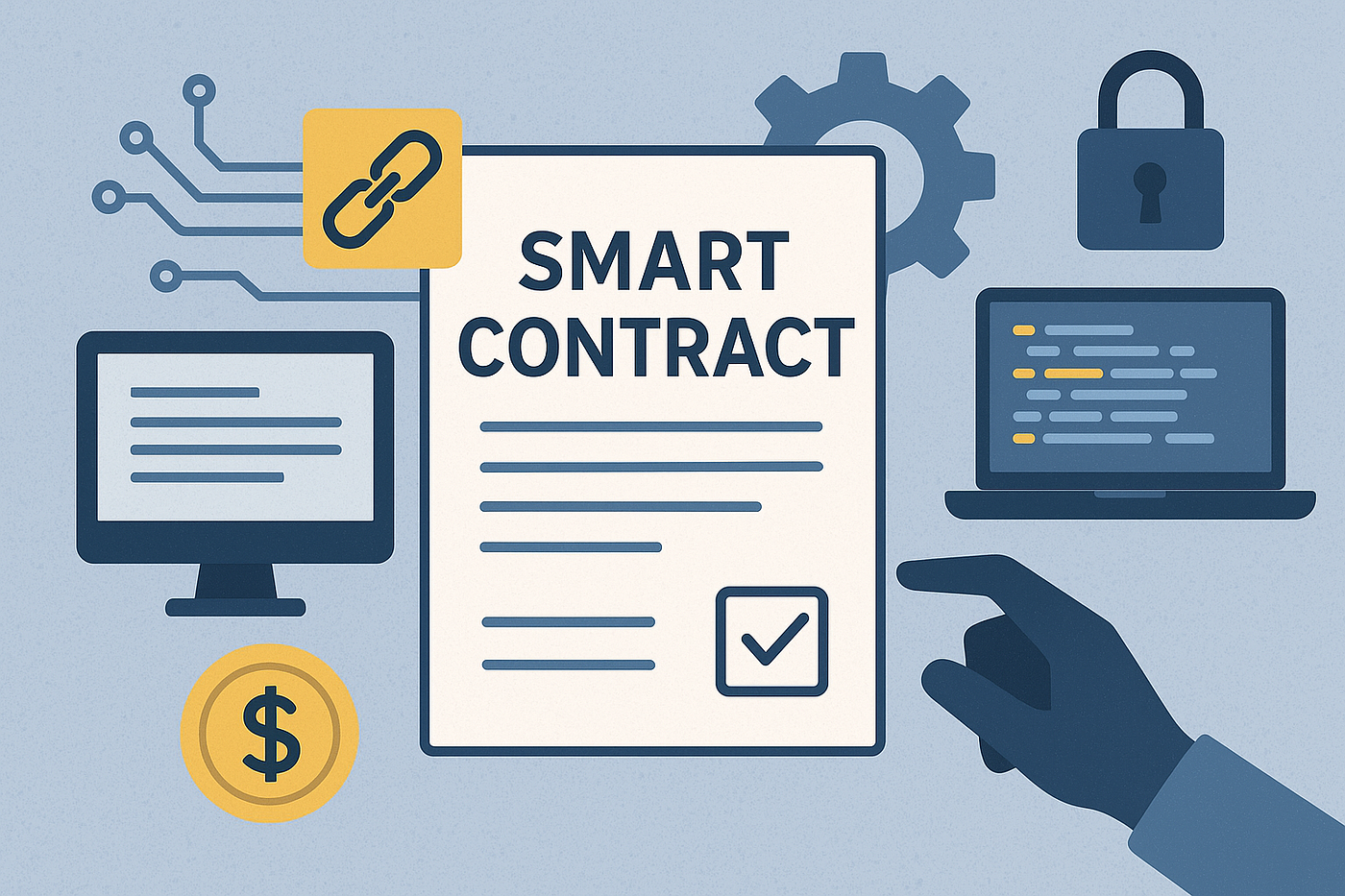
These permissions, often called token approvals, allow the contract to move or spend your tokens on your behalf. While necessary for transactions, leaving old or unused approvals active can be risky. If that contract ever gets exploited or turns out to be malicious, your approved tokens could be at risk.
Protecting your wallet means regularly checking and revoking these approvals. It's a simple step that adds a significant layer of security to your Web3 experience. Think of it as tidying up your digital permissions, ensuring only trusted applications have access to your funds. If you want to know more about securing your crypto wallet, we have a guide.
Understanding Smart Contract Permissions
When you participate in a presale or use a decentralized application (dApp), you often sign transactions that grant smart contracts permission to interact with your tokens. This is how dApps can, for example, swap your tokens or allow you to stake them. These approvals usually specify a maximum amount the contract can access.
The problem arises when these permissions are left open indefinitely, especially for contracts you no longer use or trust. An exploited contract could potentially drain funds from any wallet that has granted it an active approval. Regularly reviewing and revoking these permissions is a core part of Web3 hygiene.
Why Revoke Permissions?
Leaving unnecessary smart contract approvals active is like leaving your front door unlocked after a visitor leaves. While the initial interaction might be legitimate, a compromised contract could later exploit those open permissions. This risk is amplified with newer projects, like many presales, where contracts might not have undergone extensive security audits. Learn more about understanding presale risks before you invest.
By revoking permissions, you minimize your exposure to potential exploits or rug pulls. It's a proactive security measure that puts you back in control of your assets. This simple step can prevent significant losses if a project you interacted with later faces security issues, helping you avoid common scams.
How to Revoke Smart Contract Permissions
Revoking smart contract permissions is a straightforward process using dedicated tools. These platforms connect to your wallet and display all active token approvals, allowing you to easily cancel them. You'll need a small amount of the native blockchain token (like ETH for Ethereum or BNB for BSC) to cover the transaction fees for each revocation. For more details on gas fees explained, check out our article.
Here are the general steps to revoke permissions using a common tool:
- Choose a reliable revocation tool: Several reputable platforms exist for different blockchains. Popular choices include Revoke.cash, Etherscan Token Approvals, or BSCScan Token Approvals. Make sure you're using the official site to avoid scams.
- Connect your wallet: Open the chosen tool and connect your Web3 wallet (e.g., MetaMask, Trust Wallet). The tool will then scan your wallet for active token approvals.
- Review active approvals: The tool will display a list of all smart contracts that have permission to spend your tokens, along with the token and the approved amount. Look for contracts you no longer use or don't recognize.
- Revoke permissions: For each approval you wish to cancel, click the "Revoke" or "Deny" button. Your wallet will prompt you to confirm a transaction. Confirming this transaction will cost a small gas fee.
- Confirm revocation: Once the transaction is confirmed on the blockchain, the permission for that specific contract will be removed. You can then repeat this process for any other approvals you want to cancel.
Popular Tools for Revoking Smart Contract Permissions
There are several trusted platforms available to help you manage and revoke your token approvals across various blockchain networks. Using these tools is generally safe, but always double-check the URL to ensure you're on the legitimate site.
Here are some widely used tools:
- Revoke.cash: This is a multi-chain platform that supports Ethereum, BNB Smart Chain, Polygon, Avalanche, and many other EVM-compatible networks. It offers a user-friendly interface to view and revoke approvals.
- Etherscan (Token Approvals): For Ethereum users, Etherscan provides a direct way to check and revoke approvals. You can find this feature under the "More" tab on their website, then "Token Approvals."
- BSCScan (Token Approvals): Similar to Etherscan, BSCScan offers a dedicated section for BNB Smart Chain users to manage their token approvals.
- Polygonscan (Token Approvals): If you're active on the Polygon network, Polygonscan provides the same functionality for revoking permissions on that chain.
READ ALSO
Best Practices for Web3 Security
Beyond revoking permissions, adopting a few key habits can significantly boost your overall Web3 security. These practices help protect your assets from various threats, not just compromised smart contracts.
Consider these tips for a safer experience:
- Be wary of suspicious links: Always double-check URLs before connecting your wallet or signing transactions. Phishing scams are common in Web3.
- Use a hardware wallet: For significant holdings, a hardware wallet provides the best security by keeping your private keys offline.
- Understand what you're signing: Before confirming any transaction, read the details carefully. Make sure you understand what permissions you are granting or what actions you are approving.
- Regularly audit your approvals: Make it a habit to check your active token approvals every few weeks or after interacting with new dApps.
- Keep your software updated: Ensure your wallet software, browser, and operating system are always running the latest versions to patch any known vulnerabilities. Check our Web3 security checklist for more.
Conclusion
Taking control of your smart contract permissions is a fundamental step in securing your Web3 assets, especially after participating in presales. It's not about being paranoid, but about being smart and proactive in a space where security is largely your own responsibility. By regularly revoking unnecessary approvals, you significantly reduce your attack surface.
Make this a routine part of your crypto journey. A few minutes spent managing your permissions can save you from potential headaches and financial losses down the line. Stay safe out there, and keep those digital doors locked.